

- Log in to the Cloudflare dashboard and select your account
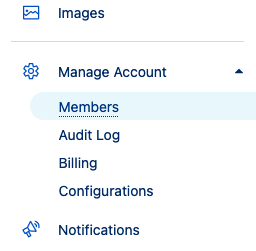
- Go to Manage Account > Members.
- Select Invite.
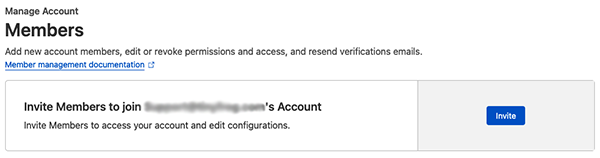
- Fill out the following information:
- Invite members: Enter our support@tinyfrog.com email address
- Under Scope select the following values:
- Operator: Include
- Type: All Domains
- Under Account Scoped Rules
- Choose the Administrator scope

- Choose the Administrator scope
- Select Continue to summary.
- Review the information, then select Invite.