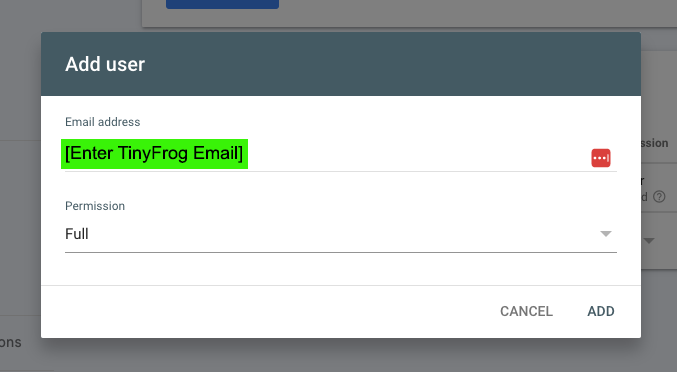
Add tinyfrog to Your Google Search Console Account
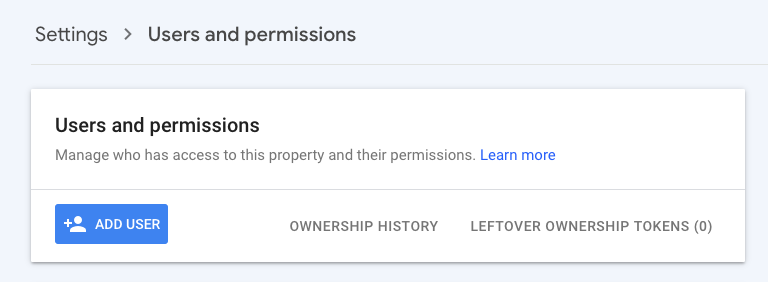
- Log into your Google Search Console account and navigate to the Users and Permissions settings.
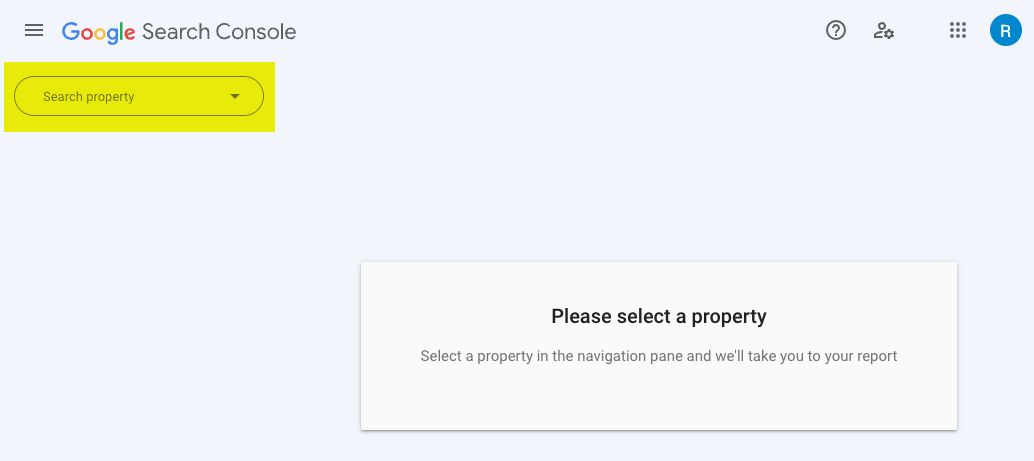
- If needed, select the requested website from the Search Property dropdown.
- Click the blue Add User button.
- Enter our tinyfrogsystems3@gmail.com email, select Full permissions, and the click the Add button.