
Add tinyfrog to Your Google Tag Manager Account
- Sign in to your Google Tag Manager account.
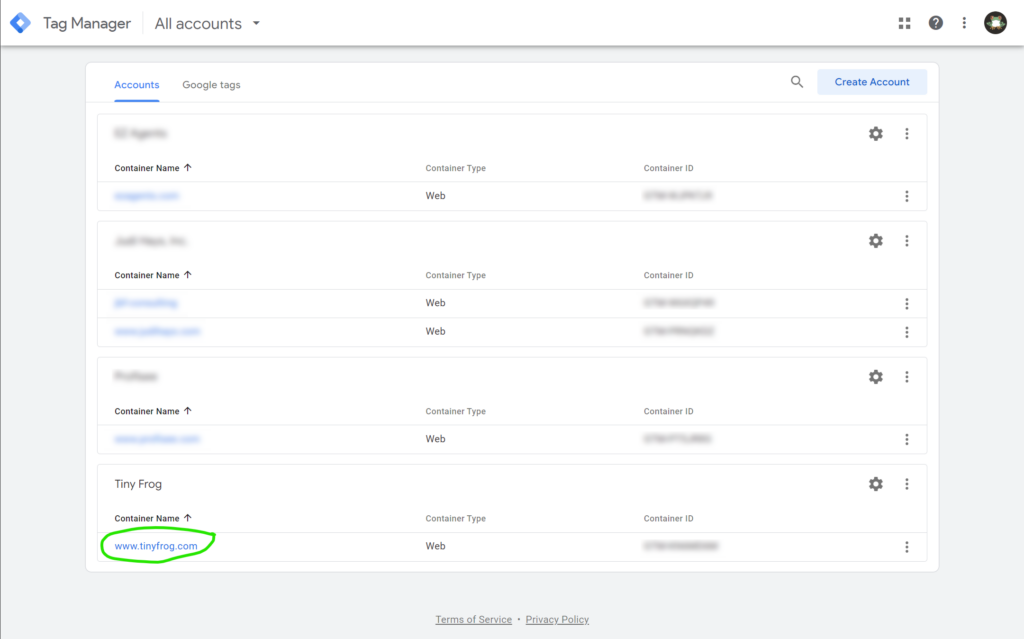
- Select the proper website account from list in the Accounts tab
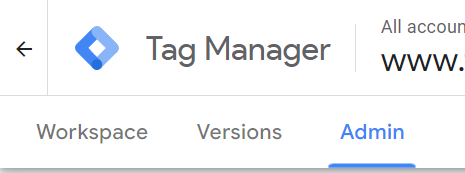
- Click on the Admin tab in the top left-hand corner
- In the Admin tab click User Management

- On the Account permissions page, click the + in the upper right corner, then click Add users

- Enter our tinyfrogsystems3@gmail.com email then under “Container Permissions” Click the “None > ” button

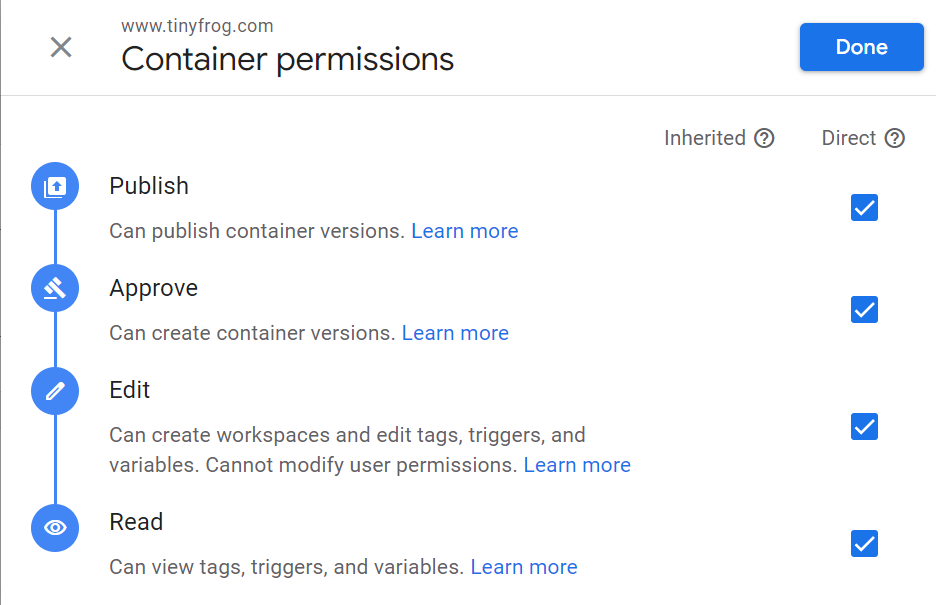
- In the “Container Permissions” window check the box next to “Publish” and it will auto select the rest, then click “Done”
- Click Invite.