How to log in to a locked development or staging site
Tinyfrog may lock development and staging websites to prevent public access. You will be given login details to unlock the website and these login credentials will be different than your wp-admin credentials. After unlocking the website you will still need to navigate to the /wp-admin url and log in with your administrator credentials to access the WordPress dashboard.
- If your development or staging website shows a login prompt at the top of the page when trying to access it, enter the locked site username and password that Tinyfrog has provided.
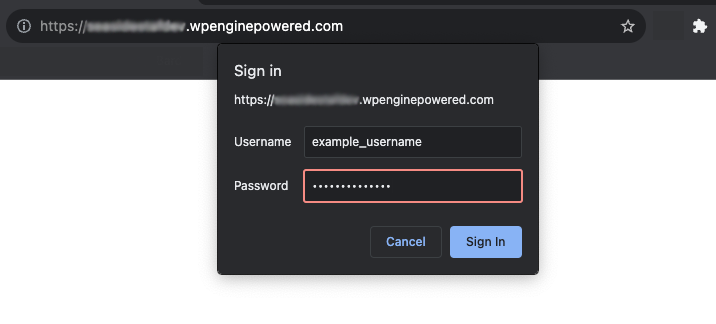
- Click the Sign In button and you should now be able to view the website. If the sign in prompt is displayed again while browsing the website you will need to enter your locked site credentials again.
